
Getting started
Client onboarding
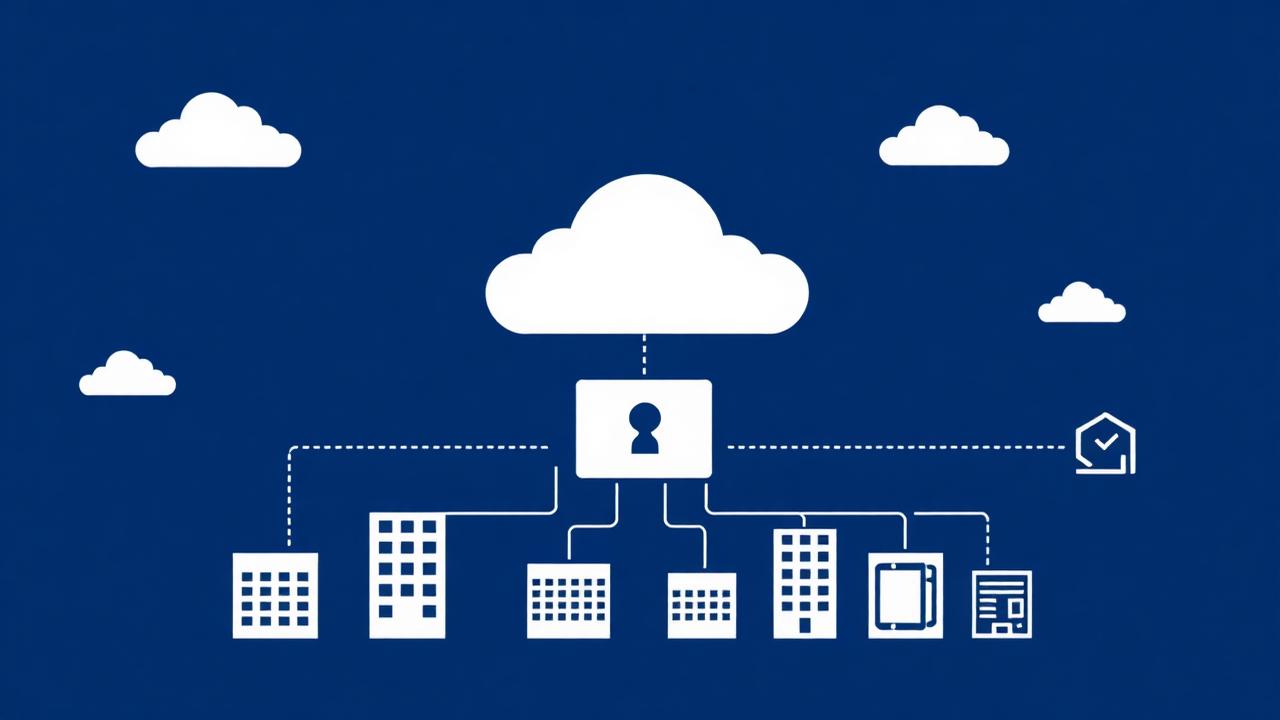
Adding and connecting client tenants
Onboard a Microsoft 365 or Google Workspace customer in minutes, activate the connection, and remove a tenant cleanly.
Managing mailboxes
Discover mailboxes automatically, add them in bulk from CSV, and mark VIP accounts for enhanced protection.
Detection
Threats: automatic mailbox sweeps and AI verdicts
How the 15-minute sweep works, how to read an AI verdict, and how to use the AI Threat Analyst chat.
Environment scans
Baseline a tenant's email hygiene — SPF, DKIM, DMARC, blocklists, impersonation exposure and risky configuration.
Offensive testing

Response & reporting
Incident response
Contain a compromised mailbox: inbox-rule sweeps, evidence capture, and case tracking through to closure.
Compliance posture
Assess a tenant against email security control requirements and track remediation to evidence.
Alerts and triage
Work the cross-tenant queue: severities, acknowledging, resolving and escalating.
Generating the SOC report
Produce the client-facing security operations report with AI-written summaries and print it to PDF.
Administration
Still need help?
Submit a support request and it will be routed to the right team at Catalyst Secure. Select the issue type so we can gather the right details upfront and respond faster.