
Client onboarding
Managing mailboxes
Discover mailboxes automatically, add them in bulk from CSV, and mark VIP accounts for enhanced protection.
5 min read
Why mailboxes matter
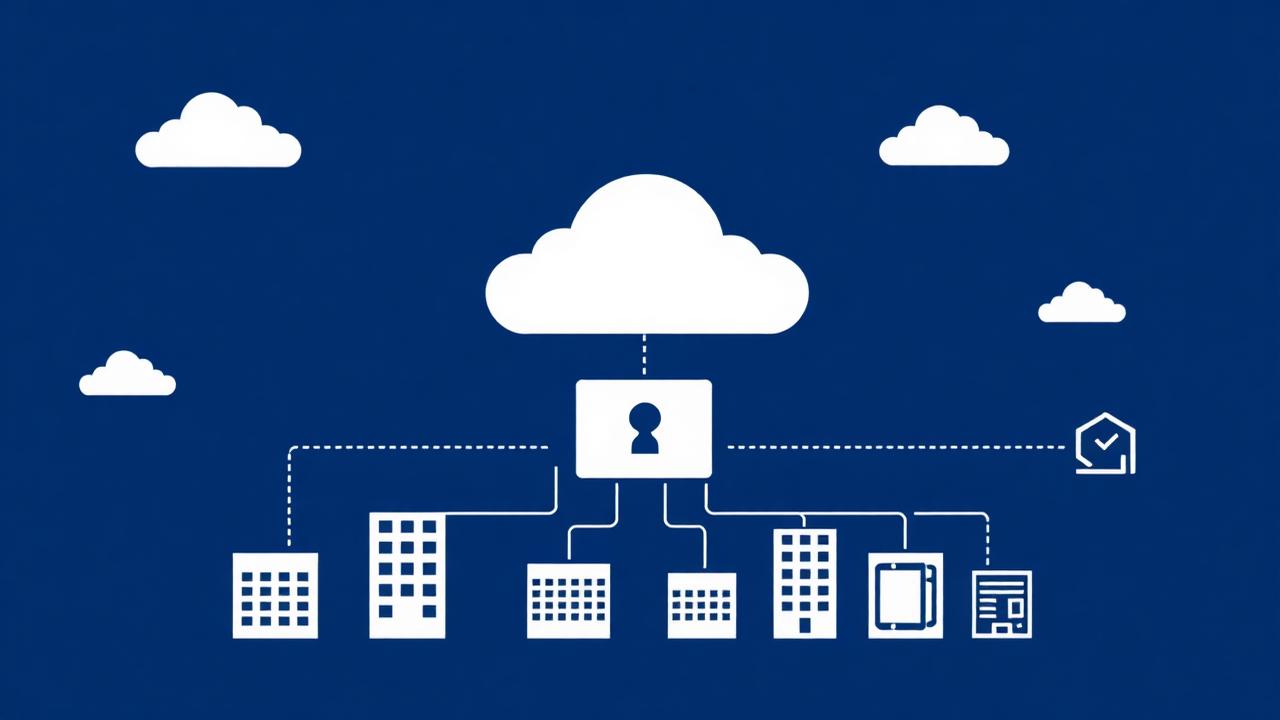
Mailboxes are the unit that the automatic sweep iterates over. A tenant with no mailboxes will never produce threats, even when it is connected.
Automatic discovery
The fastest path once a tenant is connected.
- 1Open the tenant and go to the Mailboxes section.
- 2Click Discover mailboxes. RadarX queries Microsoft Graph or the Google Directory API for all active user mailboxes.
- 3Review the imported list and remove any shared or system accounts you do not want monitored.
Bulk import and manual entry
Use these when directory permissions are restricted or you only want a subset monitored.
- 1Choose Import CSV and upload a file with one email address per row.
- 2Or click Add mailbox and enter a single address with an optional display name.
VIP protection
Flag executives, finance staff and anyone with payment authority as VIP. VIP mailboxes are weighted more heavily by the scoring engine, are checked for display-name impersonation, and raise higher-severity alerts on the same signal.